Custom Canvas Tote Bags with Your Logo: Print, MOQ and Artwork Guide
How to order custom canvas tote bags with your logo — screen print vs heat transfer vs embroidery, logo size and placement, fabric weight, MOQ and artwork rules for wholesale buyers.
A plain canvas tote becomes a branded tote the moment your logo goes on it — but how it goes on decides the look, the durability and the minimum order. For wholesale buyers the three decisions that matter are decoration method, logo size and placement, and fabric weight, and they are usually settled together in one spec sheet. This guide covers screen printing, heat transfer and embroidery on canvas, gives the print-area and artwork rules we use in production, and explains MOQ, sampling and lead times for custom printed tote bags — with the real in-stock size and weight grids behind our canvas lines.
What “custom” means on a canvas tote
There are three levels of customisation, and they carry different MOQ and lead times. Level one is a stock bag with your logo added — the cheapest and fastest route, because the fabric, pattern and stitching are already running. Level two is a stock bag with a custom size or a different handle type, which needs a pattern change but keeps the production line. Level three is a fully bespoke bag: your dimensions, your fabric weight, your handle, your lining and hardware, built to a new pattern from scratch. Most first orders are level one, and it is the sensible place to start while you test sell-through.
- Stock bag + logo: in-stock canvas totes in standard sizes, printed with your artwork. Lowest MOQ and fastest sampling.
- Stock bag + size or handle change: same bag family, different dimensions or handle type; brief the exact size against the size chart.
- Fully custom tote: new pattern, chosen fabric weight and colour, custom handles and any lining, label or hardware.
Sizing first
Decoration is decided after size. Our wholesale tote bag size chart covers standard dimensions, gusset depths and handle drops in cm and inches.
Read: Tote bag size & dimension chartDecoration methods: screen print vs heat transfer vs embroidery
Canvas takes all three mainstream decoration methods, and each suits a different artwork and volume. Screen printing is the workhorse for bold, solid logos and the lowest cost per piece at volume, because one screen per colour is set up and then run. Heat transfer (including UV and transfer printing) handles full-colour and photographic artwork and small runs where per-colour screens would not pay off. Embroidery gives a premium, stitched finish but needs a digitised file and a design simple enough for a needle, and it is priced per stitch count rather than per colour.
| Method | Best for | Colours | Typography & detail | Notes |
|---|---|---|---|---|
| Screen print | Solid logos, text, 1–3 colour brand marks | One screen per colour | Fine type ok; no gradients | Lowest unit cost at volume; bold and durable on canvas |
| Heat transfer / UV print | Full-colour, gradients, photos, small runs | Full colour in one pass | High detail and small text | No per-colour limit; artwork scaled to the panel |
| Embroidery | Premium caps-style logos, monograms | Per thread colour | Simple shapes and lettering work best | Digitising needed; denser designs cost more per stitch |
| Woven label / tag | A sewing-on brand mark | Limited thread colours | Small type legible | Adds a label rather than printing the bag; good with plain totes |
Guide for canvas totes; the exact method and price tier is confirmed on your artwork and quantity.
Two practical points decide more orders than the methods themselves. First, dark canvas needs an underlay or a light-coloured base for bright inks, or the print sinks into the weave — a reason some buyers choose natural or beige for a first run. Second, embroidery on a floppy canvas panel can pucker; a denser fabric weight (12 oz rather than 10 oz) holds a stitched logo flatter, which is why premium gift-with-purchase totes tend toward heavier canvas.
Logo size and placement: the artwork rules
Artwork is scaled to the printable area of the panel before any screen or plate is made, so send the bag size and the artwork together. Keep the design inside a safe print area — roughly 8–10 cm smaller than the panel on each dimension — to clear side seams, hems and handle attachments. A centred one-colour logo is the default and the safest; off-centre or wrap-around placements need to be confirmed against the pattern so nothing lands on a seam.
| Tote size (cm) | Comfortable print area (cm) | Common placement | Best decoration fit |
|---|---|---|---|
| 20 × 25 | 10 × 10 to 12 × 14 | Centre front panel | Small screen print, embroidery monogram |
| 30 × 35 | 18 × 22 to 20 × 24 | Centre front, or upper-chest position | Screen print, heat transfer, embroidery |
| 35 × 40 | 22 × 26 to 24 × 28 | Centre front (large logo) | Screen print, full-colour transfer |
| 40 × 30 × 10 (gusseted) | 24 × 18 front panel | Front panel; gusset side optional | Screen print; gusset print for side visibility |
| 45 × 35 × 15 (gusseted) | 26 × 20 front panel | Front panel; end-panel small mark | Screen print, transfer |
Typical print areas for common tote sizes; confirm against the exact bag before finalising artwork.
- Send a vector file (.ai, .eps or .svg) with fonts outlined; a flat JPG or PNG logo can be rebuilt but a vector keeps edges sharp at any size.
- State the intended print size in cm, not just “logo on front” — the same artwork printed at 8 cm and 20 cm reads completely differently.
- For multi-colour or photographic artwork, flag it early: it moves the job to heat transfer or UV printing, which changes the MOQ implication versus one-colour screen print.
- If the bag has a gusset, decide whether the mark stays on the flat front panel or wraps to the gusset; end-panel printing adds a screen or an extra setup.
- Request a strike-off or pre-production sample for anything colour-critical; canvas weave makes small ink shifts more visible than on coated paper.
Which tote for which buyer: boutique, e-commerce and gift-with-purchase
Our in-stock canvas range maps cleanly onto the three buyer types we quote most, and matching the bag to the use case usually settles fabric weight and handle choice at the same time.
- Boutique and retail: a mid-weight 10–12 oz tote in natural, beige, black or white with a centred logo; ribbon-handle styles read more premium for fashion and gifting. Sizes from 27 × 32 cm upward carry a folded garment or small box comfortably.
- E-commerce and subscription: a mid-size flat tote (30 × 35 cm or 35 × 40 cm) that folds flat for cheap storage and low freight, printed one colour so reorders stay consistent and per-piece cost stays low.
- Gift-with-purchase and events: a smaller tote (20 × 25 cm or 22 × 25 cm) or a heavier 12 oz bag for a giveaway that gets reused; embargoed launches, sponsorship and conference drops all tolerate a simple one-colour mark.
- Corporate and wholesale resale: heavier 12 oz canvas with embroidery for a durable, premium look, or gusseted 40 × 30 × 10 / 45 × 35 × 15 totes when the bag has to stand up and hold bulk.
Pick the blank, then the decoration
The canvas bags category lists every stocked weight, cut and colour with its MOQ — choose the blank that matches the buyer type above and add screen print, transfer or embroidery.
Browse custom canvas tote bags wholesaleIn-stock and made-to-order canvas lines featured above — custom logo from MOQ 50–100, dispatch in about 7–10 days after artwork approval.
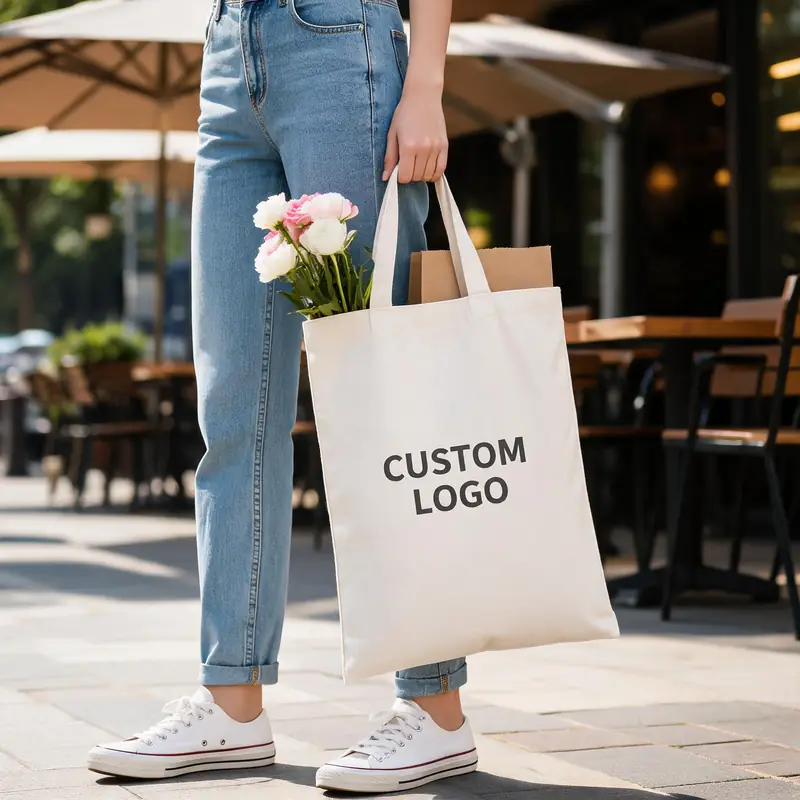 Made to order
Blank Cotton Canvas Tote Bag — 10 oz / 12 oz Promotional Shopper
MOQ 100$0.48-1.13
EXW price
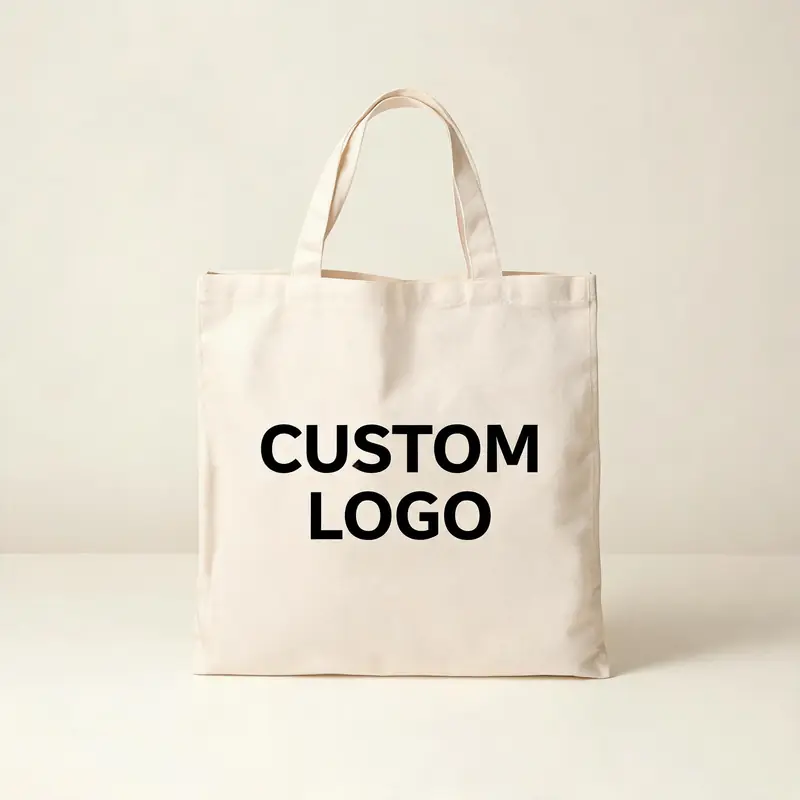 Made to order
Blank Cotton Canvas Shoulder Tote — Student Shopper & Promotional Bag
MOQ 100$0.48-1.07
EXW price
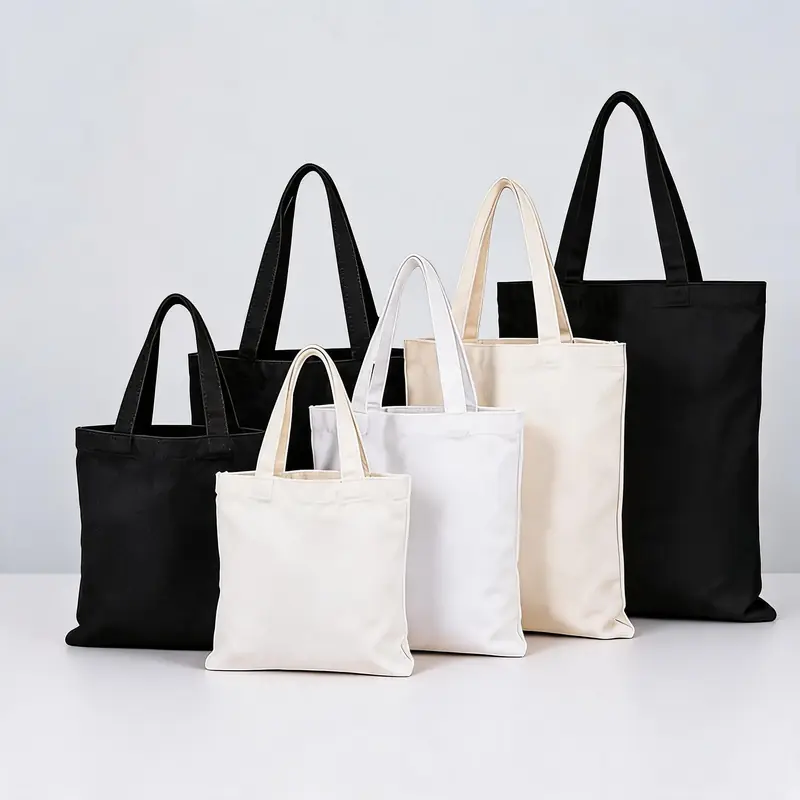 NewMade to order
Blank Cotton Canvas Bag — In-Stock Plain Tote for Logo Printing
MOQ 100$0.38-0.99
EXW price
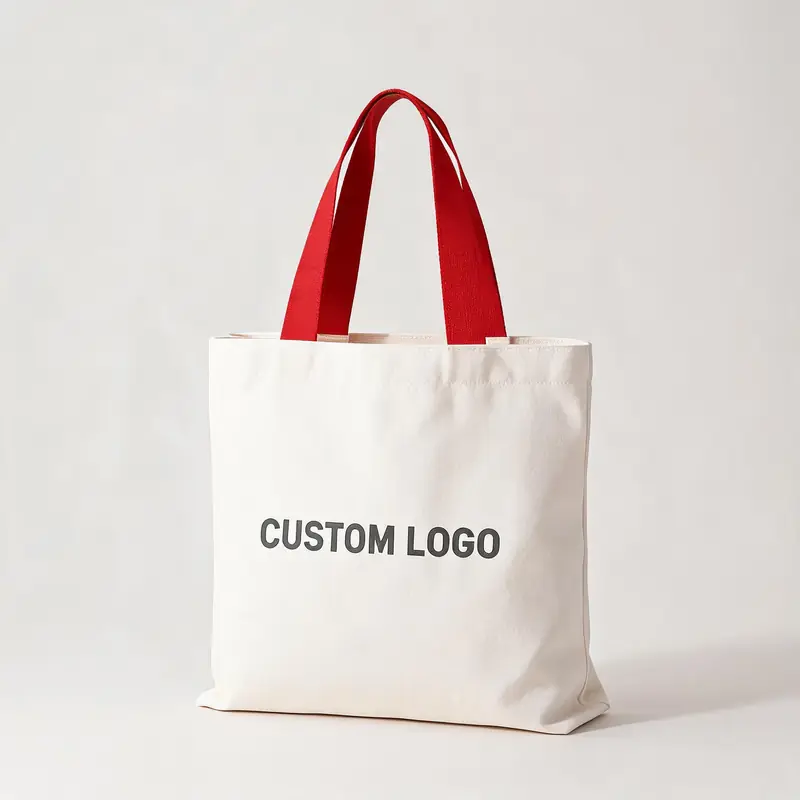 NewMade to order
Ribbon-Handle Canvas Tote — 12 oz Promotional Shopper
MOQ 50$0.46-2.28
EXW price
MOQ, artwork and lead time: what to send
Stock canvas totes are the low-barrier entry point: our in-stock and made-to-order canvas lines start from MOQ 50–100 pieces (exact MOQ is shown per product and confirmed in the quote), and logo orders dispatch in roughly 7–10 days after artwork approval depending on the method. Fully custom totes — new size, fabric or handle — are quoted separately and need a pattern, so they carry a higher MOQ and a longer lead time. Send the bag size or the use case, the quantity, the artwork file, the print size in cm, the colourway and the deadline; a quote and a pre-production sample follow, and nothing is committed to the production run until the sample is approved.
Get a printed sample before you commit
Send your logo, the intended print size in cm and the tote size. We will confirm the best decoration method, MOQ, print area and lead time, and produce a sample in about 5–7 days — reply within one business day.
Request a custom tote quoteCustom canvas tote FAQ
Frequently asked questions
What is the minimum order for custom printed canvas tote bags?
Our stock and made-to-order canvas totes start from MOQ 50–100 pieces, with the exact figure shown on each product and confirmed in your quote. Fully custom totes — a new size, fabric weight or handle — are quoted higher because they need a new pattern. The lowest-MOQ stock lines are the fastest way to test a first printed run.
Screen print or heat transfer — which should I choose?
Choose screen printing for one- to three-colour solid logos, where it gives the lowest cost per piece at volume and a bold, durable finish. Choose heat transfer or UV printing for full-colour, gradient or photographic artwork and for small runs, since it needs no per-colour screens. If you are unsure, send the artwork and we will recommend the method that keeps both the look and the MOQ sensible.
Can you embroider a logo on a canvas tote?
Yes. Embroidery gives a premium stitched finish and is popular on heavier 12 oz canvas, which holds the stitching flatter than lighter fabric. It needs a digitised file and a design simple enough for a needle, and it is priced by stitch count rather than colour, so dense or very detailed logos are better printed.
How big should the logo be and where should it sit?
Keep the design inside a safe print area about 8–10 cm smaller than the panel on every side, to clear seams, hems and handle attachments. A centred mark on the front panel is the default; as a guide, a 30 × 35 cm tote suits a print 18 × 22 cm or larger, while a 20 × 25 cm tote suits roughly 10 × 10 to 12 × 14 cm. Always send the intended print size in centimetres.
What fabric weight should I pick for custom totes?
10 oz canvas is the all-purpose standard for promotions and retail, 12 oz is heavier and more durable for premium or reusable gift bags, and lighter weights suit low-cost giveaways. Heavier canvas also takes embroidery better and holds its shape longer. The full oz-to-GSM comparison is in our canvas weight guide.
What artwork file do you need?
A vector file such as .ai, .eps or .svg with fonts outlined, plus the intended print size in centimetres and the colourway. For spot-colour work, Pantone numbers; for full-colour transfer artwork, a high-resolution CMYK file. A low-resolution JPEG or PNG can be redrawn but a vector keeps the edges sharp at any size.
How long do custom printed canvas totes take?
Stock and made-to-order canvas lines dispatch in about 7–10 days after artwork approval, depending on the decoration method — roughly 7 days for the faster lines and up to 10 days where transfer or UV printing is involved. A pre-production sample is usually available in about 5–7 days, and bulk production follows after you approve it.
Can I mix sizes and colours in one custom order?
Yes. Different sizes, colourways and decoration methods can be combined in one order and consolidated into a single shipment with one proforma invoice, which is useful for building a coordinated set across a boutique or e-commerce launch. Mixed-SKU orders also help reach a workable combined volume.
Need these boxes, bags or ribbon?
Send your product dimensions or dieline and get a quote with MOQ and sample lead time within one business day.